


Tracking sounds like a small detail until a customer asks, “Where is my order?”
At that point, it becomes one of the most important parts of your fulfillment setup.
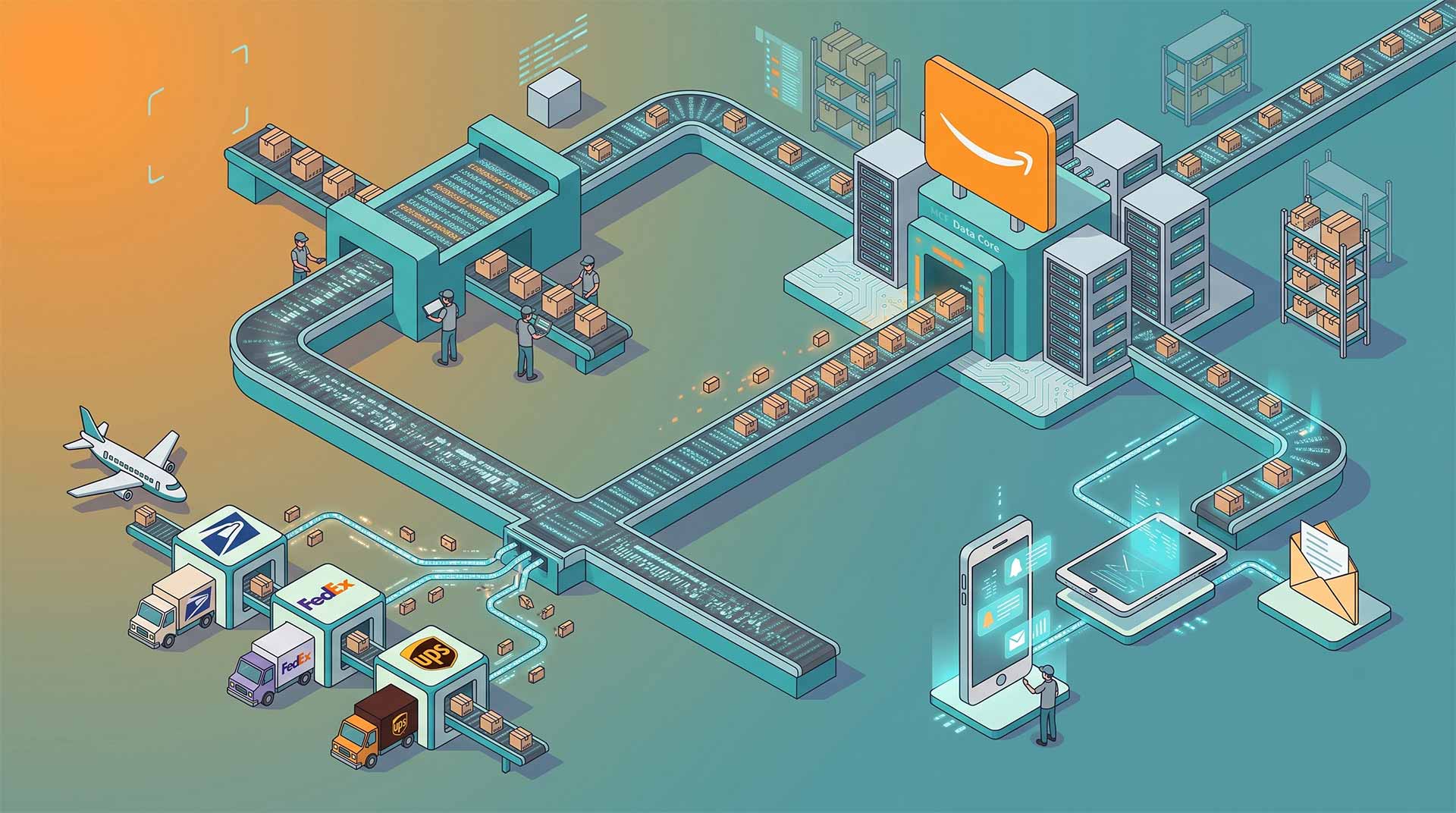
If you use Amazon Multi-Channel Fulfillment to ship orders from your Shopify, WooCommerce, Webflow, TikTok Shop, eBay, or custom ecommerce store, tracking needs to move cleanly between three places: Amazon, your sales channel, and the customer.
When that flow works, customers feel informed. When it breaks, your support inbox fills up quickly.
Here is how Amazon MCF tracking works and what you need to get right.
What is Amazon MCF tracking?
Amazon MCF tracking refers to the tracking information created when Amazon fulfills an off-Amazon order through Multi-Channel Fulfillment.
The customer does not buy on Amazon. They buy from your website or another sales channel. Amazon then picks, packs, and ships the order from its fulfillment network.
Once the order ships, tracking information is generated and can be passed back to your ecommerce platform, integration, marketplace, or order management system.
Amazon’s MCF service offers different click-to-delivery speeds, including Standard and Expedited options in the U.S. Tracking is what keeps the customer informed between checkout and delivery.
When is the tracking number created?
A tracking number is not usually available the moment the customer places the order.
First, the order has to be submitted to MCF. Then Amazon has to accept it, prepare it, and ship it. Once the shipment is created, tracking details become available.
That means there can be a gap between “order placed” and “tracking available.”
This is normal.
The mistake some merchants make is showing customers a vague fulfillment status without explaining what is happening. If your store says “fulfilled” but no tracking number appears, customers may assume something is wrong.
A better customer experience is to separate these stages:
Order received.
Order sent to fulfillment.
Order shipped.
Tracking available.
Out for delivery.
Delivered.
Even if you do not show every stage publicly, your internal system should understand the difference.
How does tracking get back to your store?
Tracking gets back to your store through your MCF setup.
That could be:
- A native ecommerce app
- A third-party connector
- An order management platform
- A custom API integration
- Manual order updates
For example, a WooCommerce or Webflow store may rely on an integration to send the order to MCF and then receive the tracking number once Amazon ships it.
This return path is just as important as the order submission.
A lot of brands focus on getting orders into Amazon. That is only half the job. The other half is getting shipment data back out.
If tracking does not sync back properly, your customers may never receive shipping confirmation, even though Amazon has already shipped the package.
What tracking information should customers receive?
At minimum, customers should receive:
- Confirmation that the order has shipped
- Carrier name, where available
- Tracking number
- Tracking link
- Delivery status updates, where supported
The exact carrier and tracking experience can vary depending on the shipment and destination. The key is to make sure your ecommerce platform captures the information Amazon provides and turns it into a useful customer notification.
A tracking number buried in your admin dashboard does not help the customer.
The customer should receive an email or SMS update with a clear link they can click.
Common Amazon MCF tracking problems
Most tracking problems come from the integration layer, not the warehouse.
Here are the issues merchants run into most often.
1. Tracking does not sync back to the store
This is the big one.
The order is fulfilled, but the store still shows it as processing. The customer never gets a shipping notification. Your team has to manually look up the tracking number.
This usually means the connector is not writing tracking data back to the correct order field.
2. The order is marked fulfilled too early
Some platforms mark the order as fulfilled as soon as it is sent to MCF. That can confuse customers because the order may not have shipped yet.
Ideally, “fulfilled” should mean shipped, not just submitted.
3. SKU mismatch delays fulfillment
If the SKU on your store does not match or map to the SKU in Amazon, the order may fail before tracking is ever created.
This is why clean SKU mapping matters so much.
4. Customers receive unclear tracking emails
A tracking email should not make the customer think they bought from Amazon if they bought from your store. It should be branded clearly, written in plain English, and linked to the order they placed.
5. Marketplace tracking requirements are missed
Some marketplaces have strict rules around tracking uploads and delivery confirmation. If you use MCF for eBay, TikTok Shop, Walmart, or another marketplace, make sure tracking is pushed back in the format and timeframe that platform expects.
How to improve the customer tracking experience
A good tracking experience is not complicated. It just needs to be reliable.
Start with your order confirmation email. Let the customer know that tracking will be sent once the order ships.
Then, when Amazon generates tracking, make sure your store sends a shipping confirmation automatically.
Do not make customers log into an account unless necessary. Give them a direct tracking link.
Your tracking email should include:
- Order number
- Product summary
- Shipping destination
- Tracking link
- Support contact
- A short note on delivery timing
Keep it simple. Customers do not want a logistics essay. They want to know where their order is and when it will arrive.
Should you mention Amazon in tracking emails?
Usually, no.
If the customer bought from your website, your brand should remain the front door for the experience.
That does not mean you hide anything misleadingly. It means the notification should come from your store, not feel like a random Amazon message the customer was not expecting.
Amazon notes that unbranded packaging is the default option for MCF orders, except in some cases where it may affect delivery timing. That helps keep the post-purchase experience more neutral, but your tracking emails should still be owned by your brand.
Tracking and support tickets
Poor tracking creates avoidable support work.
The most common customer messages are:
“Has my order shipped?”
“Where is my tracking number?”
“The tracking link does not work.”
“Why does this look like it came from Amazon?”
“My order says fulfilled but I have not received it.”
Each one usually points to a setup problem.
Your support team should not need to manually check Amazon for every order. If they do, the system is not finished.
The goal is simple: customers get tracking automatically, and your team only handles exceptions.
Amazon MCF tracking checklist
Before relying on MCF tracking at scale, test the full flow.
Place a test order from your actual store.
Confirm the order reaches Amazon MCF.
Wait for shipment.
Check that tracking is returned to your store.
Check that the customer receives the right email.
Click the tracking link.
Confirm the order status updates correctly.
Check the experience on mobile.
Repeat this for each shipping method and sales channel.
Do this before a busy sales period, not during one.
Final thoughts
Amazon MCF tracking is not just a backend detail. It is part of your customer experience.
Amazon can handle the fulfillment, but your store still has to handle communication. That means tracking numbers, shipment emails, delivery updates, and support visibility all need to work together.
If you get that right, MCF feels seamless. Customers place an order, receive updates, track their package, and get their delivery without ever wondering what is happening behind the scenes.
That is exactly how fulfillment should feel.