
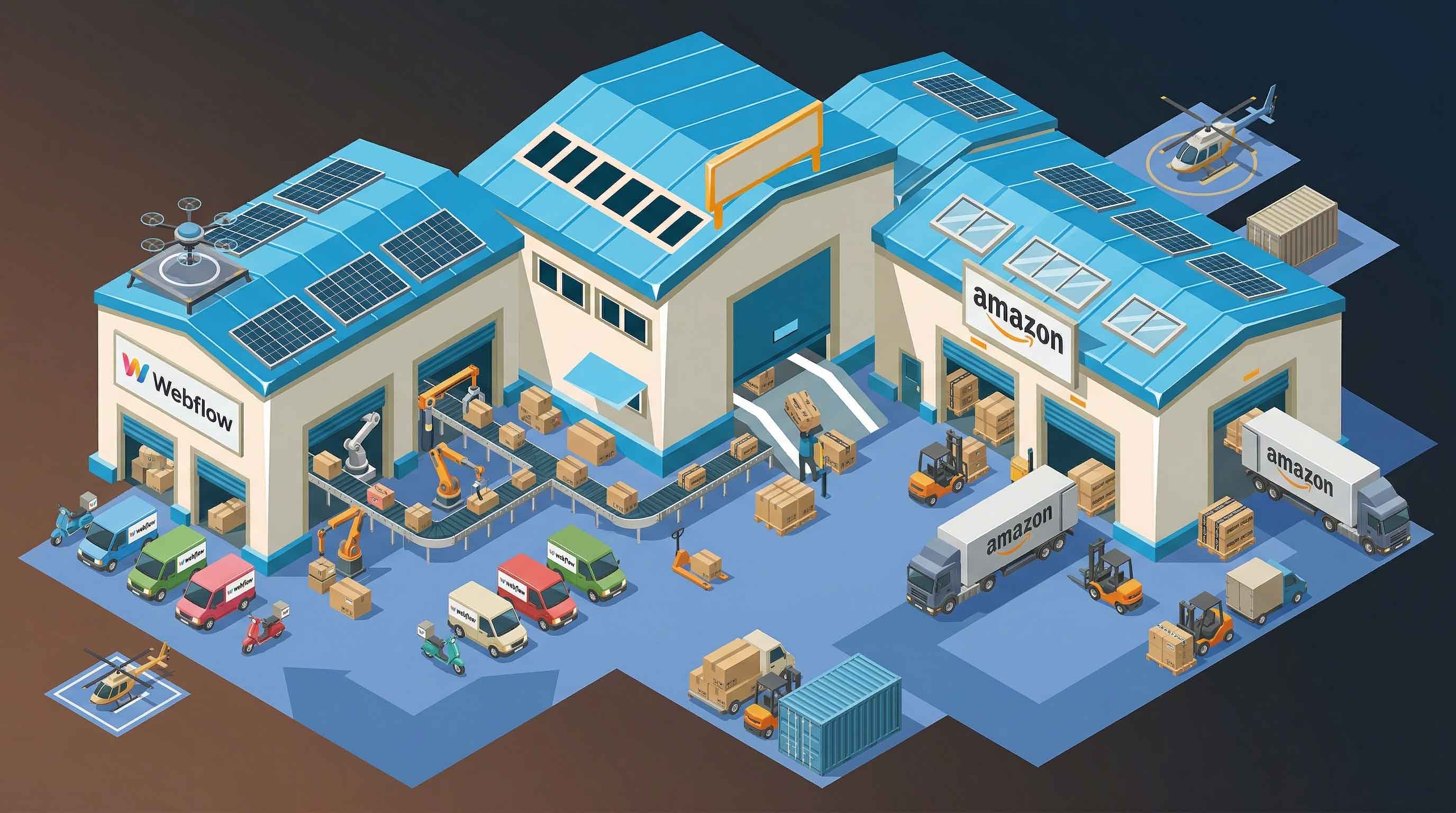


Choosing how to fulfill orders is one of the most important decisions you’ll make when running a Webflow ecommerce store, and it’s also one of the least straightforward.
Unlike platforms with built-in ecosystems, Webflow gives you flexibility on the front end but leaves fulfillment entirely up to you.
That’s not necessarily a bad thing. It just means you need to choose the right setup early.
This guide breaks down the main Webflow fulfillment options, how they actually work, and which one makes sense depending on your stage and goals.
Why Fulfillment Is Different on Webflow
Webflow is not a traditional ecommerce backend.
It handles:
- Storefront design
- Checkout
- Basic order data
But it does not handle:
- Inventory syncing
- Warehouse operations
- Shipping logistics
- Native 3PL integrations
So instead of choosing a “built-in” solution, you’re effectively designing your own fulfillment stack.
The 4 Main Fulfillment Options for Webflow
There are realistically four ways to fulfill orders from Webflow:
- Manual fulfillment
- Dropshipping
- Third-party logistics (3PL)
- Amazon Multi-Channel Fulfillment (MCF)
Each has very different trade-offs.
Option 1: Manual Fulfillment
This is the default starting point.
How it works:
- Orders come into Webflow
- You manually process them
- Pack and ship yourself (or via a small team)
Pros:
- Full control
- No integration required
- Lowest upfront cost
Cons:
- Time-consuming
- Not scalable
- High risk of human error
When it makes sense:
- Very low order volume
- Testing a new product
Option 2: Dropshipping
With dropshipping, your supplier fulfills orders directly.
How it works:
- Customer places order
- You forward it to supplier
- Supplier ships to customer
Pros:
- No inventory required
- Low upfront investment
Cons:
- Low margins
- Little control over shipping times
- Branding limitations
Webflow challenge:
Most dropshipping tools are built for other platforms, so integration is often clunky.
Option 3: Third-Party Logistics (3PL)
3PL providers store and ship your inventory for you.
Examples include companies like ShipBob and ShipStation.
How it works:
- Send inventory to a warehouse
- Orders are pushed to the 3PL
- They handle picking, packing, and shipping
Pros:
- Scalable
- More control than dropshipping
- Better branding options
Cons:
- Integration complexity with Webflow
- Monthly storage + fulfillment costs
- Setup time
Key issue with Webflow:
Most 3PLs don’t natively integrate, so you’ll need:
- Middleware (Zapier, Make), or
- Custom API setup
Option 4: Amazon Multi-Channel Fulfillment (MCF)
Amazon MCF lets you use Amazon’s logistics network to fulfill Webflow orders.
How it works:
- Store inventory with Amazon
- Send Webflow orders to Amazon
- Amazon ships directly to customers
Pros:
- Extremely reliable logistics
- Fast shipping speeds
- No warehouse management
Cons:
- Limited branding (Amazon packaging)
- Less control over customer experience
- Requires integration setup
Side-by-Side Comparison
Scalability
- Manual: ❌
- Dropshipping: ⚠️
- 3PL: ✅
- MCF: ✅
Ease of Setup
- Manual: ✅
- Dropshipping: ⚠️
- 3PL: ❌
- MCF: ⚠️
Control Over Branding
- Manual: ✅
- Dropshipping: ❌
- 3PL: ✅
- MCF: ❌
Reliability
- Manual: ⚠️
- Dropshipping: ❌
- 3PL: ✅
- MCF: ✅
The Real Constraint: Integration
This is where most people underestimate the problem.
Webflow doesn’t plug directly into:
- 3PL systems
- Amazon MCF
- Shipping platforms
So your real decision isn’t just “which fulfillment option?”
It’s:
How will I connect Webflow orders to that system reliably?
If you ignore this, you end up with:
- Manual work
- Broken automations
- Missed orders
Middleware vs Proper Integration
Middleware (Zapier / Make)
Works by:
- Triggering on new orders
- Passing data to fulfillment tools
Good for:
- Early-stage stores
Problems:
- Costs increase fast
- Not fully reliable
- Limited logic handling
Proper Integration Layer
This involves:
- Webhooks
- Data validation
- API-based fulfillment
Benefits:
- Real-time processing
- Scalable
- Reliable
This is what you need once order volume grows.
Which Option Should You Choose?
Here’s the honest breakdown:
If you’re just starting:
Manual fulfillment is fine, keep it simple.
If you want low risk and no inventory:
Dropshipping works, but expect lower margins.
If you want control + branding:
A 3PL is the best long-term option.
If you want simplicity + scale:
Amazon MCF is usually the fastest way to operational efficiency.
The Most Common Mistake
Trying to delay the decision.
Many Webflow store owners:
- Start manually
- Add partial automation
- Patch things together
Eventually, they hit a wall.
At that point, switching systems becomes harder and more expensive.
A Better Way to Think About It
Instead of asking:
“Which fulfillment option is best?”
Ask:
- How many orders will I handle in 3–6 months?
- Do I want to manage logistics myself?
- How important is branding vs speed?
That framing leads to better decisions.
Final Thoughts
Webflow gives you freedom on the front end, but that comes with responsibility on the backend.
There’s no “default” fulfillment solution.
You’re choosing:
- Your logistics model
- Your operational complexity
- Your ability to scale
Get this right early, and everything else becomes easier.
Get it wrong, and you’ll spend more time fixing operations than growing your store.