
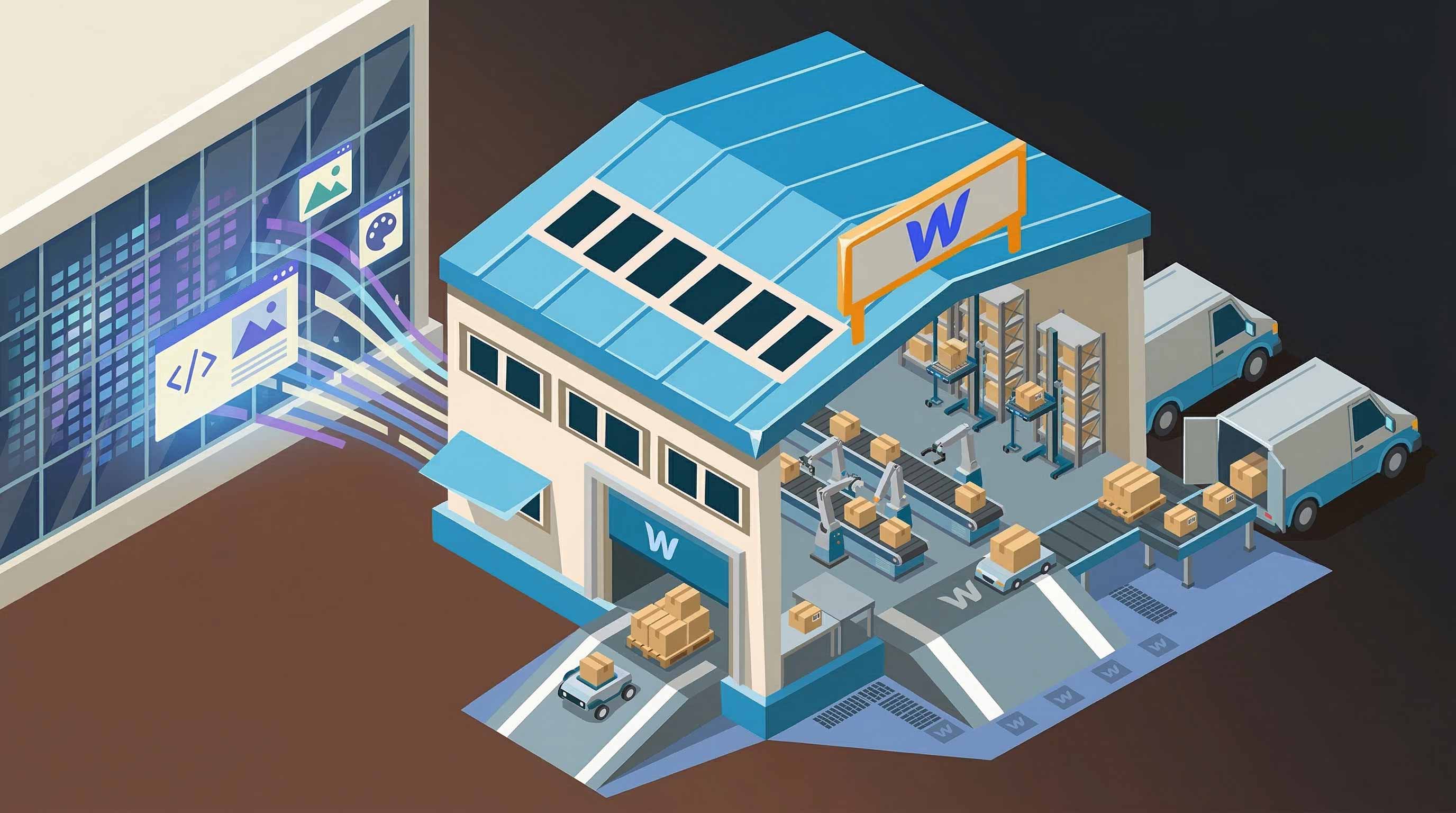


This is where fulfillment automation becomes critical.
If you’re running an online store on Webflow, you might be wondering:
- Can Webflow automatically fulfill orders?
- Does Webflow support shipping automation?
- How do Webflow stores scale their fulfillment operations?
The short answer is: Webflow does not provide native fulfillment automation, but it can absolutely support automated fulfillment through integrations and external systems.
In this guide, we’ll explain exactly how fulfillment works in Webflow, what its limitations are, and how many Webflow stores automate their shipping using tools like Amazon Multi‑Channel Fulfillment and third-party logistics platforms.
How Fulfillment Works in Webflow
Webflow includes a built-in ecommerce system that allows you to create products, accept payments, and manage orders directly from your dashboard.
When a customer places an order on a Webflow store, the order appears in the Webflow Ecommerce Orders dashboard, where store owners can:
- View customer details
- See purchased items
- Update order status
- Add tracking numbers
- Mark orders as fulfilled
This setup works well for small stores fulfilling orders manually. For example, if you sell handmade products or ship a small number of packages each day, Webflow’s native order management tools may be sufficient.
However, Webflow does not automatically:
- Send orders to a warehouse
- Generate shipping labels
- Pack and ship products
- Sync inventory across fulfillment providers
- Automatically send tracking numbers
Instead, Webflow’s ecommerce system is primarily focused on storefront functionality, not logistics infrastructure.
That means fulfillment automation requires additional tools.
What Fulfillment Automation Actually Means
Before exploring solutions, it’s helpful to define what fulfillment automation looks like for an ecommerce store.
A fully automated fulfillment system typically performs the following steps automatically after an order is placed:
- The order is created on the website.
- Order data is sent to a fulfillment provider.
- Inventory is reserved or deducted.
- A warehouse picks and packs the items.
- Shipping labels are generated automatically.
- The package is shipped.
- Tracking information is sent back to the store.
- Customers receive shipping updates.
Without automation, each of these steps often requires manual work.
Automation allows ecommerce brands to scale operations without increasing operational workload.
Why Webflow Doesn’t Provide Native Fulfillment Automation
Unlike ecommerce platforms that focus heavily on operations and logistics, Webflow was originally designed as a visual website builder and CMS.
Its ecommerce features were introduced later to allow designers and businesses to build custom online stores without relying on rigid templates.
Because of this focus, Webflow prioritizes:
- Website design flexibility
- CMS-driven content
- marketing sites
- custom storefront experiences
Logistics and warehouse automation are not part of Webflow’s core infrastructure.
Instead, Webflow relies on integrations with external systems to handle fulfillment operations.
This approach is actually common across many modern ecommerce stacks.
How Webflow Stores Automate Fulfillment
Most Webflow ecommerce stores automate fulfillment using one of three methods.
1. Warehouse and 3PL Integrations
Many ecommerce brands use a third-party logistics provider (3PL) to handle storage, packing, and shipping.
In this setup:
- Products are stored in a warehouse
- Orders from Webflow are automatically sent to the warehouse
- The warehouse picks, packs, and ships the order
- Tracking numbers are returned to the store
Popular 3PL services can automate much of the fulfillment process.
However, integration with Webflow may require middleware tools or custom workflows.
2. Automation Tools and Middleware
Some Webflow stores connect their ecommerce system to fulfillment providers using automation platforms such as:
- workflow automation tools
- API integrations
- custom server workflows
These tools can automatically trigger fulfillment actions when a new order appears.
For example:
- A Webflow order is created.
- The order data triggers an automation workflow.
- The workflow sends the order to a fulfillment system.
- Tracking information is returned to the store.
While this works, it can add operational complexity and maintenance overhead.
3. Amazon Multi-Channel Fulfillment (MCF)
Another increasingly popular approach is using Amazon Multi‑Channel Fulfillment, often abbreviated as MCF.
MCF allows ecommerce brands to use the same warehouse network that powers Fulfillment by Amazon to ship orders from any sales channel, including Webflow stores.
Instead of managing a separate warehouse or 3PL, brands can store inventory in Amazon’s fulfillment centers.
When a Webflow order is placed:
- The order is sent to Amazon.
- Amazon picks and packs the items.
- Amazon ships the order to the customer.
- Tracking information is returned to the store.
This allows Webflow stores to offer fast, scalable shipping without running their own logistics operations.
Benefits of Automating Fulfillment for Webflow Stores
Automated fulfillment provides several major advantages for ecommerce businesses.
Faster Shipping
Automated fulfillment providers often have established warehouse networks and shipping partnerships.
This enables:
- Faster delivery times
- Optimized shipping routes
- More reliable delivery performance
For ecommerce brands, shipping speed can significantly influence conversion rates.
Reduced Operational Work
Manual fulfillment requires time-consuming tasks like:
- Packing boxes
- Printing shipping labels
- Tracking inventory
- Updating order statuses
Automation eliminates much of this work, allowing teams to focus on growth, marketing, and product development.
Scalability
One of the biggest challenges ecommerce businesses face is scaling operations.
A store that ships 10 orders per day manually may struggle when orders increase to 200 per day.
Automated fulfillment systems allow brands to handle high order volumes without dramatically increasing staffing or infrastructure costs.
Inventory Management
Automated fulfillment systems can also help manage inventory across sales channels.
For example, brands selling on both their own website and online marketplaces can centralize inventory in a single warehouse network.
This reduces the risk of overselling and simplifies stock management.
Limitations of Webflow Ecommerce for Fulfillment
Although Webflow stores can automate fulfillment through integrations, there are still some limitations worth understanding.
Limited Native Integrations
Compared to some ecommerce platforms, Webflow has fewer built-in integrations with logistics providers.
This means many fulfillment setups require:
- External tools
- Custom integrations
- Middleware automation platforms
Order Automation Requires External Systems
Webflow itself does not automatically trigger fulfillment workflows.
Instead, automation depends on external infrastructure that connects the store to fulfillment providers.
For growing ecommerce businesses, this often becomes part of a broader headless ecommerce stack.
Inventory Sync Complexity
If inventory is stored in multiple locations or systems, keeping inventory data synchronized with Webflow may require additional integrations.
Many ecommerce brands solve this by centralizing inventory within a fulfillment provider.
When Webflow Fulfillment Automation Makes Sense
Automating fulfillment becomes important when ecommerce businesses reach certain operational milestones.
Typical triggers include:
- Shipping more than 20–30 orders per day
- Expanding into international shipping
- Launching multiple sales channels
- Offering faster delivery options
- Scaling marketing campaigns
At this stage, manual fulfillment processes often become a bottleneck.
Automation allows brands to continue growing without operational friction.
Is Webflow a Good Platform for Scalable Ecommerce?
Despite its limitations in logistics automation, Webflow can still be a powerful ecommerce platform for certain types of brands.
Webflow is particularly well suited for:
- Design-driven ecommerce brands
- Marketing-focused stores
- Direct-to-consumer startups
- Businesses prioritizing website experience
Many companies use Webflow as their front-end storefront while relying on external systems for backend operations such as fulfillment, inventory management, and analytics.
This modular approach is increasingly common in modern ecommerce infrastructure.
The Future of Webflow Ecommerce Automation
As Webflow’s ecosystem continues to expand, automation capabilities are likely to improve.
More developers and tools are building integrations that extend Webflow’s ecommerce functionality, including:
- Logistics automation
- Inventory synchronization
- Fulfillment routing
- Order management systems
For many ecommerce brands, Webflow already works well as part of a composable commerce stack, where specialized tools handle different parts of the business.
In this model:
- Webflow handles storefront and content
- Payment processors handle transactions
- Fulfillment providers handle shipping
- Automation tools connect everything together
Final Thoughts
So, does Webflow support fulfillment automation?
Yes, but not natively.
Webflow provides the ecommerce storefront and order management system, but the actual fulfillment automation is typically handled by external providers and integrations.
By connecting Webflow to tools like Amazon Multi‑Channel Fulfillment or third-party logistics providers, ecommerce brands can automate the entire shipping process—from order creation to delivery.
For growing ecommerce businesses, this approach offers a practical balance:
- Full control over the storefront experience
- Scalable logistics infrastructure
- Automated order fulfillment
- The ability to grow without operational complexity
As ecommerce continues to evolve, automation will play an increasingly important role in enabling online brands to scale efficiently. For Webflow stores looking to grow beyond manual shipping workflows, integrating fulfillment automation is often one of the most impactful operational upgrades they can make.