
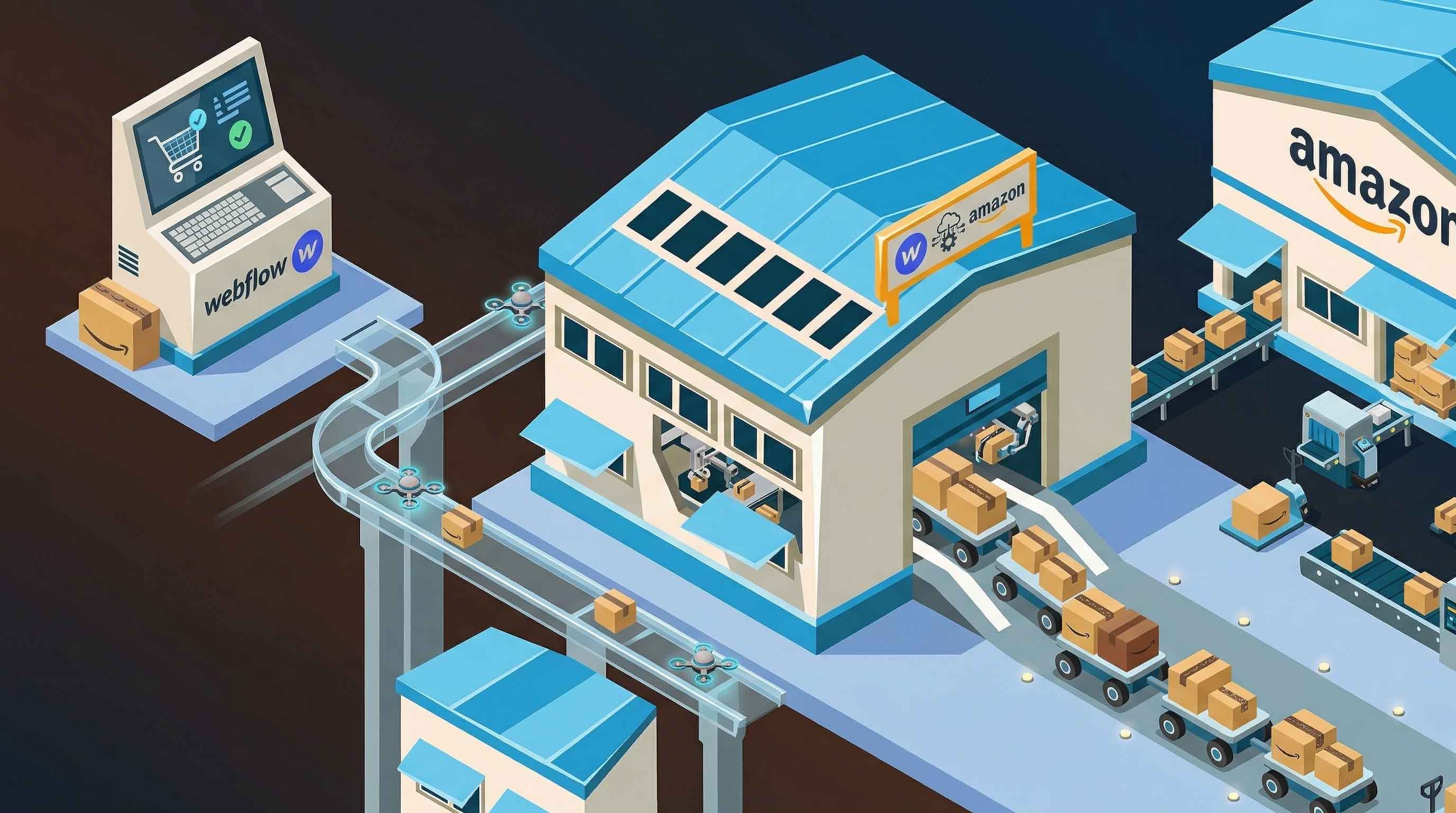


If you’re running an ecommerce store on Webflow, you’ve probably realised one thing pretty quickly:
Webflow handles the front end beautifully, but fulfillment is where things start to break down.
Orders come in. Then what?
If you’re manually copying order details, sending emails, or relying on clunky automations, it doesn’t take long before it becomes unsustainable.
This guide walks through how to automate Webflow order fulfillment properly, not with hacks, but with a setup that actually scales.
Why Webflow Doesn’t Handle Fulfillment Well
Webflow wasn’t built as a full ecommerce backend.
It gives you:
- A clean storefront
- A checkout experience
- Basic order tracking
But it does not give you:
- Native fulfillment integrations
- Inventory syncing
- Warehouse management
- Shipping automation
So every order that comes in needs to be pushed somewhere else.
That “somewhere else” is your fulfillment system.
What “Automatic Fulfillment” Actually Means
Before going further, it’s worth being precise.
Automatic fulfillment means:
- A customer places an order on your Webflow site
- That order is instantly sent to a fulfillment provider
- The provider picks, packs, and ships the item
- Tracking is generated and (optionally) sent back
No manual steps. No copying data. No delays.
If you’re still:
- Exporting CSVs
- Sending emails to a warehouse
- Using partial automations
…you’re not fully automated yet.
The Core Problem You Need to Solve
Webflow does not natively “talk” to fulfillment providers.
So the real challenge is:
How do you move order data from Webflow to a fulfillment system reliably?
There are only three realistic approaches:
- Middleware tools (Zapier, Make)
- Custom API integration
- A dedicated integration layer (purpose-built tools)
Each has trade-offs.
Option 1: Using Zapier (Quick but Limited)
Zapier is usually the first thing people try.
How it works:
- Trigger: New Webflow order
- Action: Send order to fulfillment provider
Pros:
- Fast to set up
- No coding required
Cons:
- Expensive at scale
- Delays (not truly real-time)
- Fragile (breaks silently)
- Limited logic handling
This works for:
- Very low order volume
- Testing ideas
It breaks down quickly once you grow.
Option 2: Custom API Integration (Powerful but Complex)
This is the “build it yourself” route.
How it works:
- Use Webflow order webhooks
- Send data to your backend
- Transform and push to fulfillment API
Pros:
- Full control
- Scalable
- Flexible
Cons:
- Requires development time
- Needs ongoing maintenance
- Easy to get wrong (especially error handling)
This is viable if:
- You have a developer
- You want full ownership
But for most stores, it’s overkill.
Option 3: Using Amazon MCF for Fulfillment (Recommended)
This is where things become practical.
Amazon Multi-Channel Fulfillment (MCF) lets you use Amazon’s logistics network to fulfill orders from any channel, including Webflow.
What this gives you:
- Warehousing
- Picking and packing
- Shipping
- Returns handling
The only missing piece is connecting Webflow → Amazon.
How Automatic Fulfillment Works with Amazon MCF
At a high level:
- Order is placed on Webflow
- Order data is sent to Amazon MCF
- Amazon fulfills the order
- Tracking is generated
The key is making step 2 happen automatically.
Step-by-Step: Automating Webflow Fulfillment
Step 1: Store Your Inventory with Amazon
Before anything else:
- Send your products into Amazon fulfillment centers
- Ensure SKUs match what you’ll use in Webflow
If your SKUs don’t match, orders will fail later. This is a common mistake.
Step 2: Capture Webflow Orders via Webhooks
Webflow provides order webhooks.
These trigger whenever a new order is created.
You’ll receive:
- Customer details
- Shipping address
- Product SKUs
- Quantities
This is your raw input.
Step 3: Transform Order Data
Amazon MCF expects a very specific format.
You need to map:
- Webflow product IDs → Amazon SKUs
- Address fields → correct format
- Shipping speed → valid MCF options
If this mapping is wrong, orders will be rejected.
Step 4: Send Orders to Amazon MCF API
Once formatted, you send the order to Amazon’s MCF API.
This creates a fulfillment order inside Amazon.
From there:
- Amazon processes it
- Ships the product
- Generates tracking
Step 5: Handle Responses and Errors
This is where most setups fail.
You must handle:
- Invalid addresses
- Out-of-stock items
- SKU mismatches
- API failures
If you don’t, orders silently fail, and customers never receive anything.
Common Mistakes (Avoid These)
1. Assuming Zapier = Full Automation
It’s not. It’s a shortcut, not a system.
2. Not Validating Addresses
Amazon is strict. Bad formatting = rejected orders.
3. SKU Mismatches
Your Webflow product must match your Amazon inventory exactly.
Even small differences break fulfillment.
4. No Error Handling
If something fails, you need:
- Alerts
- Retries
- Logs
Otherwise you’ll miss orders.
5. Ignoring Shipping Speed Settings
Amazon MCF has multiple delivery speeds.
If you don’t specify correctly, you’ll get:
- Delays
- Unexpected costs
What a Proper Setup Looks Like
A reliable system includes:
- Webflow webhook trigger
- Order validation layer
- SKU mapping logic
- Amazon MCF API integration
- Error handling + retries
- Logging + monitoring
If any of these are missing, you don’t have a production-ready system.
When Automation Starts to Matter
You might be wondering:
“Do I actually need this yet?”
You do if:
- You’re processing orders daily
- You’re spending time manually handling fulfillment
- You want to scale without hiring ops staff
Manual fulfillment doesn’t just cost time, it introduces risk.
Automation removes both.
Is Amazon MCF the Right Choice?
It depends.
Good fit if:
- You want fast, reliable fulfillment
- You don’t want to manage warehouses
- You’re already using Amazon logistics
Not ideal if:
- You need custom packaging
- You want full brand control
- You have very specific shipping workflows
Be honest here, MCF is powerful, but not perfect.
A Simpler Alternative to Building Everything Yourself
If you’ve read this and thought:
“This sounds like a lot of moving parts…”
You’re right.
That’s why many stores use a purpose-built integration layer instead of:
- Zapier hacks
- Custom backend builds
The goal is simple:
- Connect Webflow → Amazon MCF reliably
- Handle edge cases automatically
- Remove technical overhead
Final Thoughts
Webflow gives you an excellent storefront.
But without automated fulfillment, you’re stuck doing manual work behind the scenes.
The real unlock is connecting your frontend (Webflow) to a backend fulfillment system like Amazon MCF in a way that:
- Requires zero manual intervention
- Handles failures properly
- Scales as you grow
Once that’s in place, your store stops being a project, and starts operating like a system.