
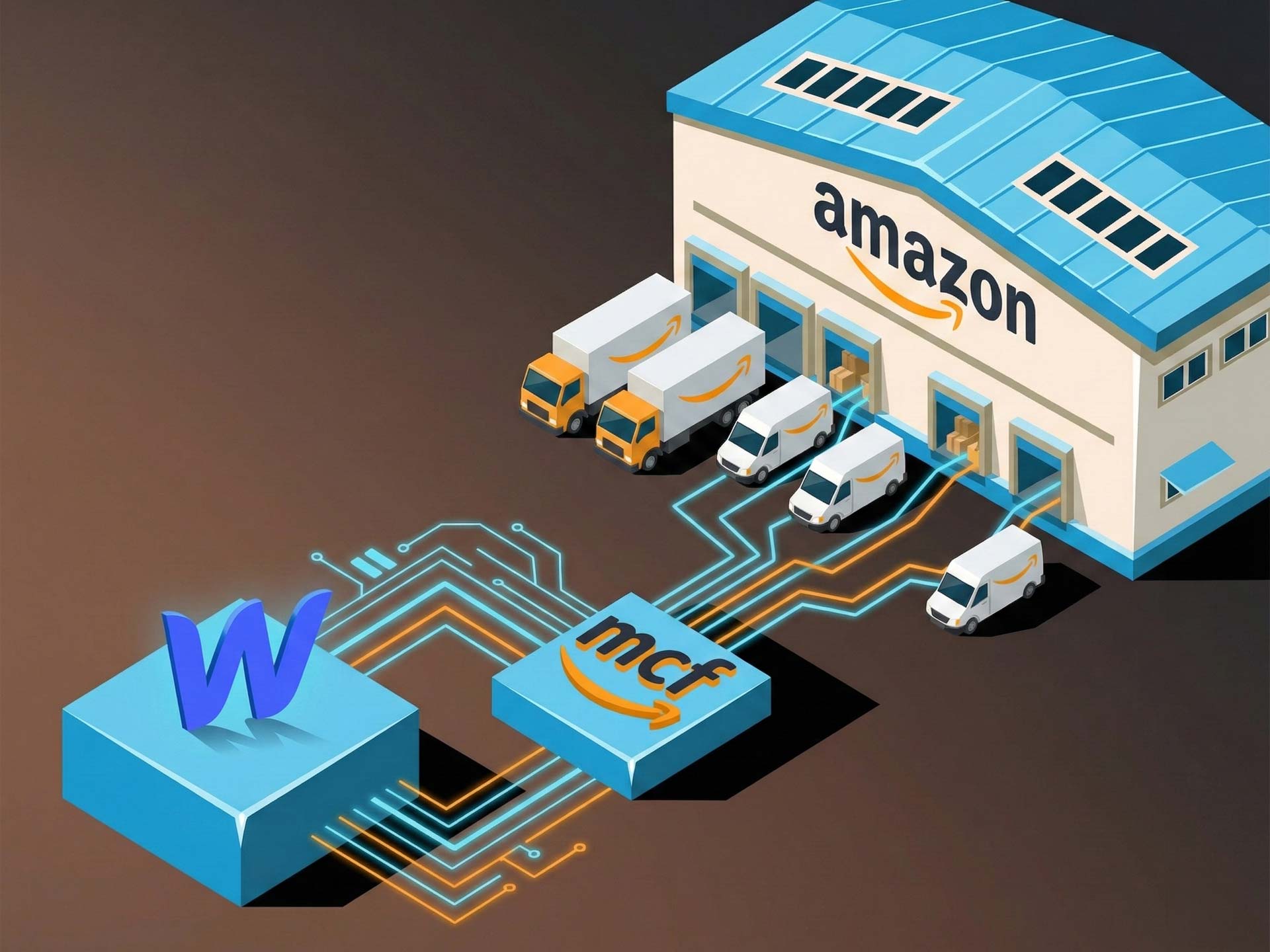


Amazon Multi-Channel Fulfillment, MCF for short, is worth understanding before that conversation happens, because it changes the answer significantly. And with the launch of the official Webflow app (built in partnership with both Amazon and Webflow), it's now something you can offer clients as a native, supported solution rather than a workaround.
Here's what you actually need to know.
What Amazon MCF Is (and What It Isn't)
Amazon MCF is Amazon's fulfilment-as-a-service offering. The idea is straightforward: your client stores their inventory in Amazon's warehouses, and whenever an order comes through their Webflow store, Amazon picks, packs and ships it. Your client doesn't need a warehouse. They don't need staff packing boxes. They just need inventory in Amazon's fulfilment centres and orders coming through their site.
It's worth being clear about one thing upfront: this is completely separate from selling on Amazon. Your client doesn't need an Amazon storefront, doesn't need to list their products publicly on Amazon.com, and doesn't need to worry about Amazon being a competitor on their own product pages. MCF is purely a logistics service, you're renting access to their infrastructure.
This distinction matters when you're positioning it to clients. A lot of people hear "Amazon" and immediately think "but we don't want to sell on Amazon." MCF has nothing to do with that.
Why This Is Worth Knowing as a Webflow Builder
Up until recently, if a Webflow ecommerce client wanted to use MCF, things got messy. There was no native, supported integration, you were either looking at custom API work, third-party middleware, or telling clients it wasn't really an option.
The new Webflow app changes that. It's an official app, built in direct partnership with Amazon and Webflow, which means it works with native Webflow Ecommerce without custom code, it's supported, and it's not going to break every time Webflow pushes an update.
For you as a builder, this is significant because it gives you something real to offer clients who are weighing up how to handle fulfilment. Instead of that conversation being a problem to solve after launch, it can be part of the project scope from day one.
How It Actually Works in Practice
Once the app is connected to a client's Webflow store and their Amazon Seller Central account, the process is largely automatic. When a customer places an order, it's sent directly to Amazon. Amazon then ships it, in unbranded packaging, which is important, and tracking information is automatically pushed back to the Webflow store.
A few things worth knowing about the setup:
SKU mapping. The app can automatically sync products between the Webflow store and Amazon, or you can map SKUs manually if your client's product naming isn't consistent between the two systems. Both options are there.
Product-level control. Not every product in a store necessarily needs to go through MCF. If your client has some products they want to fulfil themselves and others through Amazon, that's configurable at the product level.
Shipping speeds. Your client can choose from standard (3 business days) or expedited (2 business days), and can set defaults or configure speeds per product. This feeds into how they structure their shipping options at checkout.
Returns. Amazon handles returns from customers and automatically restocks inventory. This is one of those things that sounds small but saves a significant amount of operational headache.
The setup process itself is a one-time thing: get inventory into Amazon fulfilment centres, connect the app, configure your preferences, and then it largely runs itself. That "set and forget" nature is genuinely one of its strongest selling points for clients who don't want to be running a logistics operation.
The Packaging Question
This comes up every single time, so it's worth addressing directly. Clients always worry that Amazon will ship their orders in Amazon-branded boxes, which would obviously undermine the whole point of having a branded DTC store.
MCF ships in completely unbranded packaging by default. No Amazon logo, no Amazon tape, nothing. The box is neutral. Your client's brand experience on the receiving end can still be excellent, they just can't put custom branded boxes into the Amazon fulfilment system (at least not through MCF).
If your client's brand experience heavily depends on custom packaging inserts, branded tissue paper, that kind of thing, MCF isn't going to solve that particular problem. But for the vast majority of ecommerce businesses, plain unbranded packaging is perfectly fine, and the speed and reliability of Amazon's network more than compensates.
Who This Works Well For
MCF isn't the right answer for every Webflow ecommerce client. But for certain types of businesses, it's genuinely compelling.
It's particularly well suited to businesses that are scaling but don't want to scale their operations proportionally. If a client is doing a few hundred orders a month and growing, managing their own warehouse or working with a traditional 3PL starts to get expensive and complicated fast. Amazon's network scales with them automatically — including during peak periods like Black Friday when a lot of 3PLs struggle.
It also works well for businesses where the founders are product people rather than operations people. Some clients simply don't want to think about logistics. They want to source great products, build a brand, and sell. MCF lets them do that.
It's less ideal for businesses with very heavy or very bulky products (though MCF does handle a wide range), businesses that rely heavily on branded unboxing experiences, or businesses whose suppliers can't ship directly into Amazon fulfilment centres.
One underrated use case: businesses that currently hold their own inventory and are drowning in the cost and complexity of it. Suppliers can ship directly to Amazon warehouses, which means the client never touches the inventory at all. For the right business, that's a transformational change in how they operate.
What It Costs
There are two layers of cost to understand here.
First, Amazon's fulfilment and storage fees. These are charged directly by Amazon and are based on the size and weight of the products, the number of orders, and how long inventory sits in their warehouses. Amazon publishes their rate card publicly, and the pricing is generally competitive — often significantly cheaper than equivalent 3PL costs, particularly for standard-sized items. Your client needs an Amazon Seller Central account to use MCF, which has its own costs, but there's no requirement to actually sell on Amazon.
Second, the MCF Connect app itself. The pricing is usage-based, scaling with order volume. There's a free tier for up to 50 orders a month, which is genuinely useful for clients who are just starting out or want to test the setup. From there, plans scale from $19/month for up to 100 orders through to $499/month for 2,500+ orders. The per-order cost actually decreases as volume increases, which makes sense for growing businesses.
When you're doing the maths with a client, the honest comparison is against whatever they're currently spending on warehouse space, staff time, packaging materials, and shipping. For most businesses of reasonable scale, MCF comes out ahead.
What You Need to Know for the Build
If you're adding MCF to a Webflow project, the practical side of things is fairly straightforward.
No custom code is required. The app installs directly and works with Webflow's native ecommerce setup. If your client is using a third-party checkout, that's not currently supported, it's on the roadmap, but worth knowing now if that's part of your project spec.
The setup steps from a project perspective are: make sure the client has (or sets up) an Amazon Seller Central account, get their inventory into Amazon fulfilment centres before launch, install and configure the app, map SKUs, set shipping speed preferences, and then test with a real order before going live. The actual configuration work is not extensive — an afternoon's work at most.
One thing worth doing early in a project is having the inventory conversation with the client. Getting products into Amazon's fulfilment centres takes time, and if you're working toward a launch date, you don't want to discover two weeks out that the client hasn't shipped their stock to Amazon yet.
Getting Started
The free tier covers up to 50 orders a month, which means you or a client can test the full setup without any commitment, a sensible way to get familiar with it before you're working on a live project with a real deadline. If you're ready to get started, you can create an account and have the app connected to a Webflow store in a single session.
The official Amazon partnership matters here too. This isn't a third-party integration that might lose support or break unexpectedly, it was built with Amazon and Webflow involved, which gives it a different level of stability and longevity than most plugin solutions.
If you build ecommerce on Webflow and your clients regularly face the "how do we fulfil orders" question, MCF is now a real, supported, native answer. It's worth adding to your toolkit.